What is the Push browser extension and what does it do?
Last updated: November 12, 2026
The Push browser extension helps you work securely. This extension spots things that could put you or the company at risk and guides you to improve your security. Once installed, the extension sits in the background of your browser and records some activity that allows it to help you:
Avoid phishing attacks.
Use apps securely based on company policy.
Protect your corporate SSO password and other important passwords.
Start using multi-factor authentication.
Follow company policy around what data can be shared with AI apps and other common work tools.
These security defenses help protect your organization and the people it serves, such as customers, patients, or clients, against having their data stolen and their lives disrupted by a breach.
The Push extension is configured to only monitor specific activity like logins, file downloads, and AI tool usage where you are using your work email address. If configured by your administrator, Push can also monitor all access to apps used in your company, regardless of what email address is used.
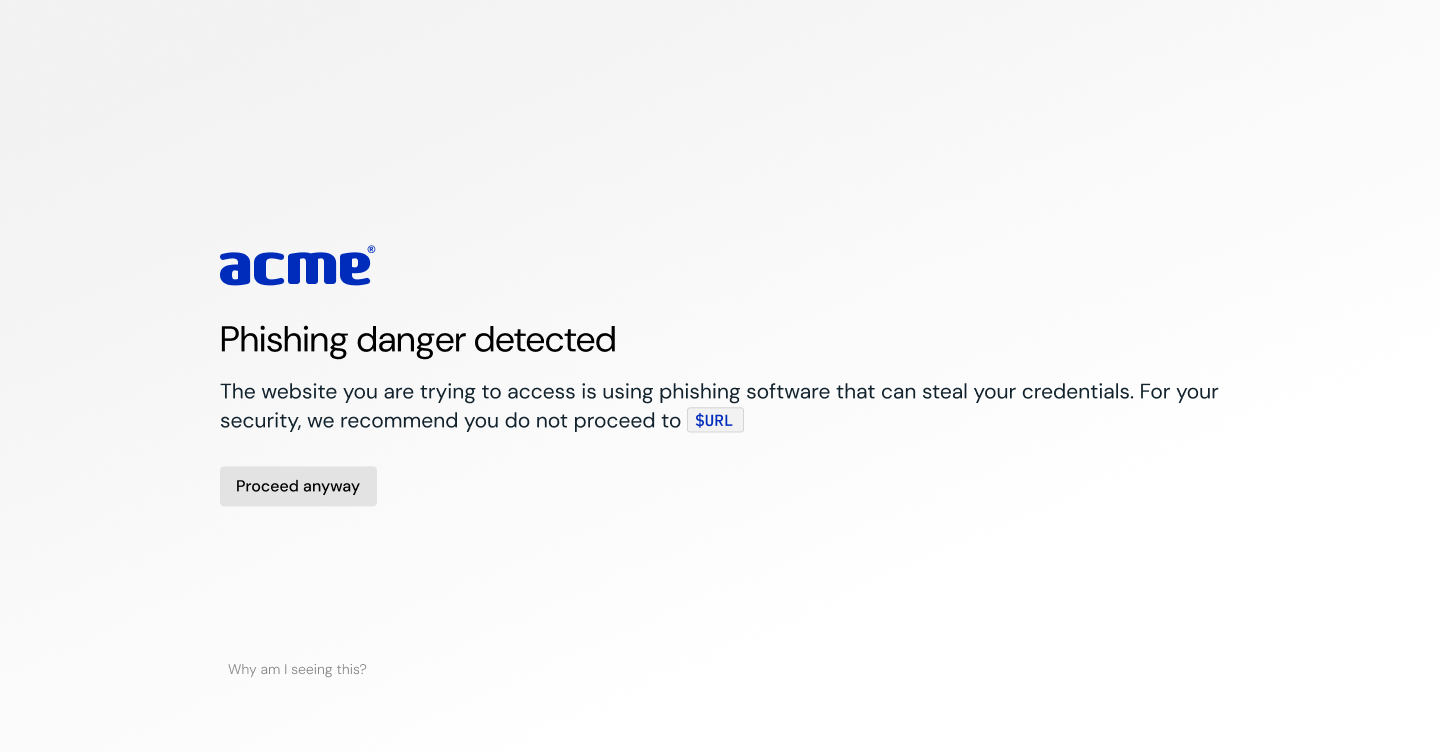
If Push detects that a webpage is attempting to steal your credentials using various phishing techniques, it will warn you. Otherwise, you should not notice the extension at all. Push does not monitor your browsing history. In addition, the extension will never send your passwords anywhere, and they are not visible to your company.
How does it work?
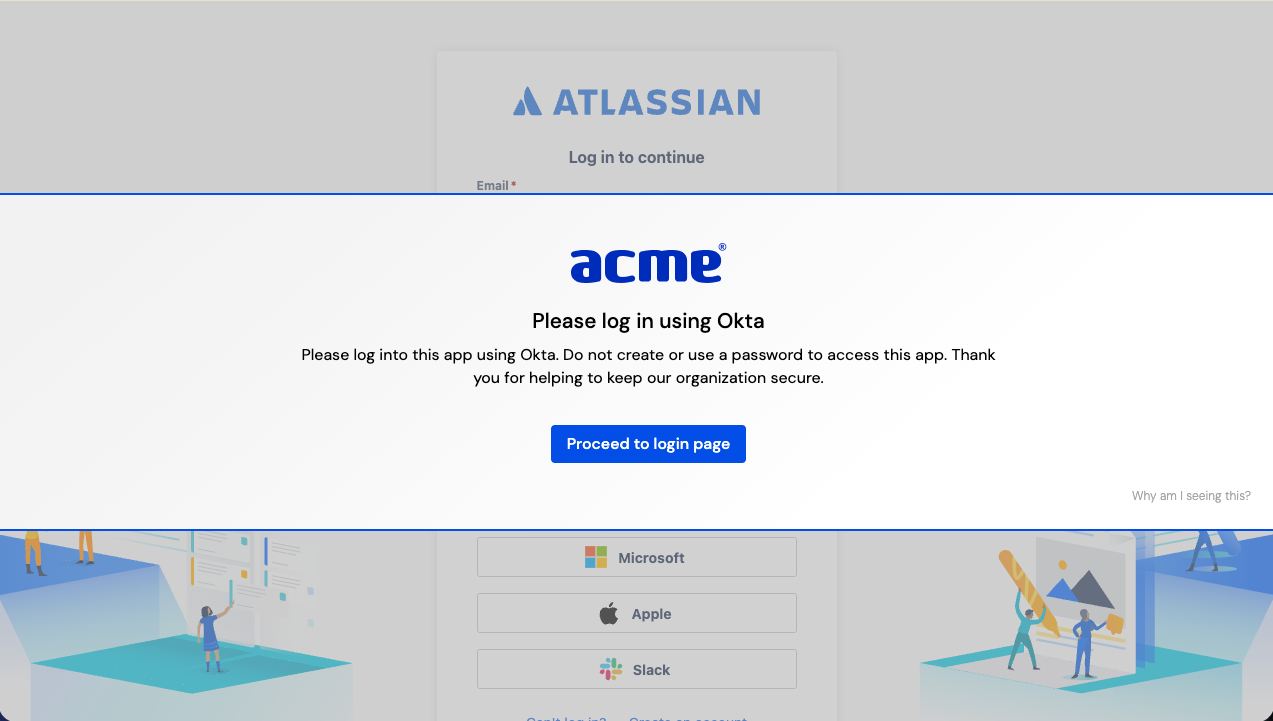
Depending on how Push is configured in your environment, you may see banner messages in your browser to provide guidance or to let you know a phishing attack was prevented.