How do I ignore service accounts or other unlicensed accounts in Push?
Last updated: August 26, 2026
You can hide synced employee accounts that you don’t intend to assign a license in Push, such as service accounts.
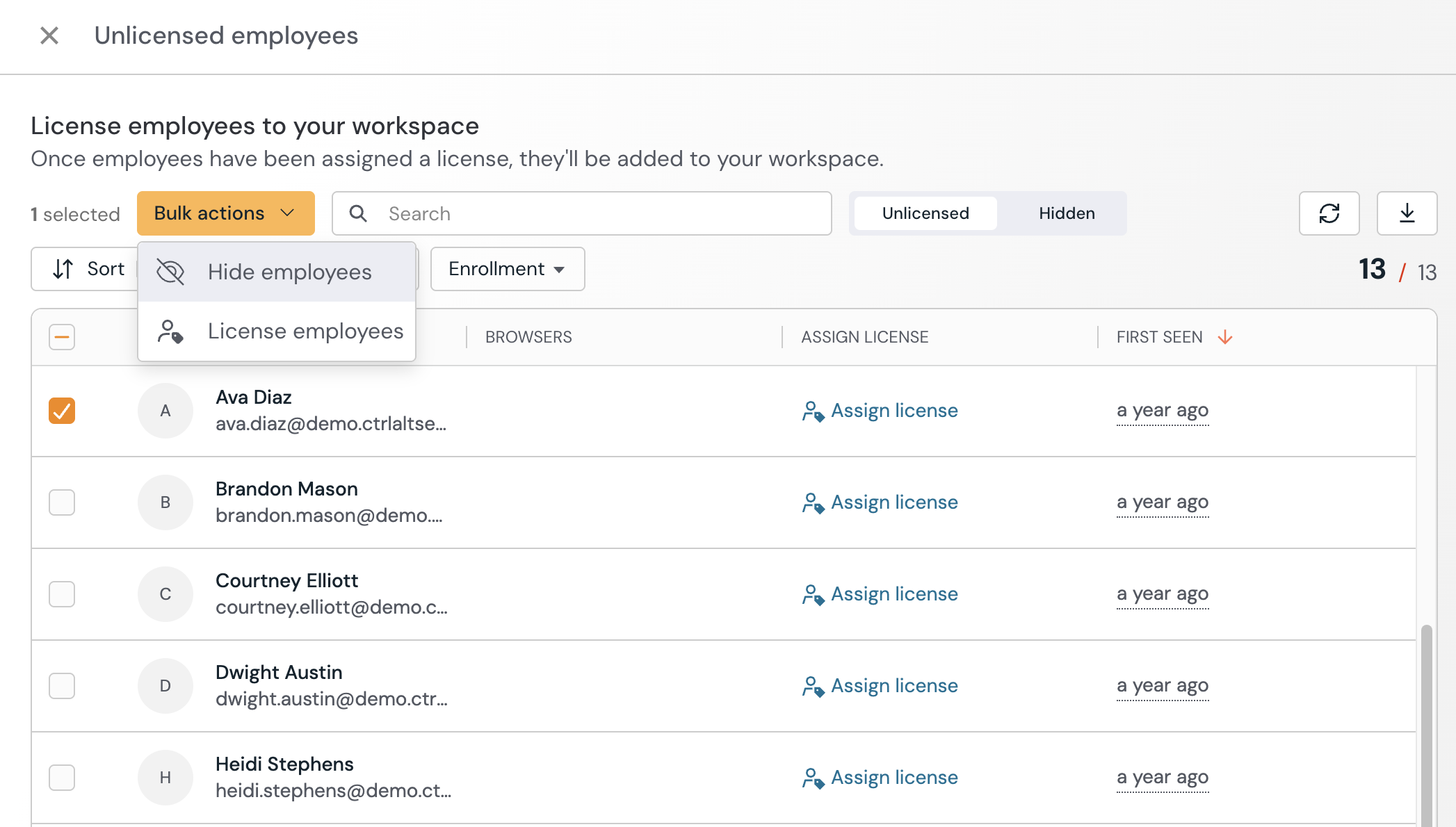
In the Push admin console, go to Employees and select the list of unlicensed employees. Choose the accounts you want to hide from the list of unlicensed employees and then choose Hide employees.
Hidden accounts will no longer appear in the list of unlicensed accounts and will no longer increment the count of unlicensed accounts.
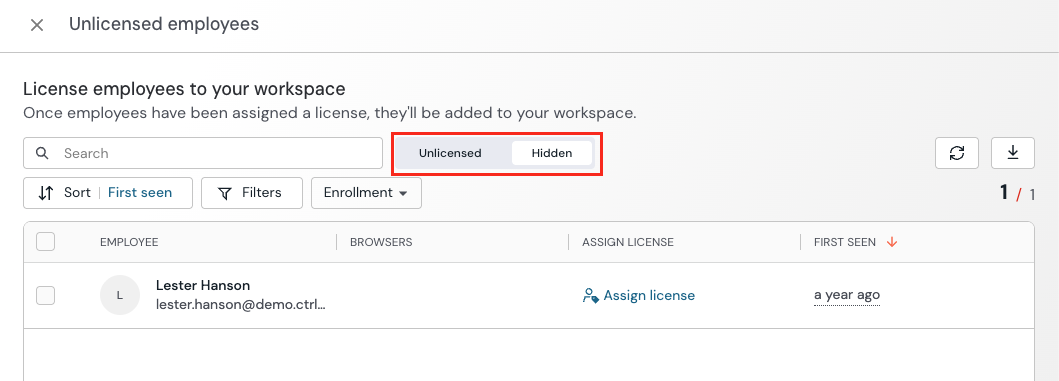
If you decide later that you want to license those hidden accounts, change the filter to show Hidden employees. You can then assign those accounts a license.