How does Push determine if a mail rule is suspicious?
Last updated: September 25, 2026
The Push platform will flag any mail rule created by an employee that forwards mail to an external (non-company) domain as a potentially suspicious rule. Trusted company domains can be configured in the Push admin console by going to Settings > Domains.
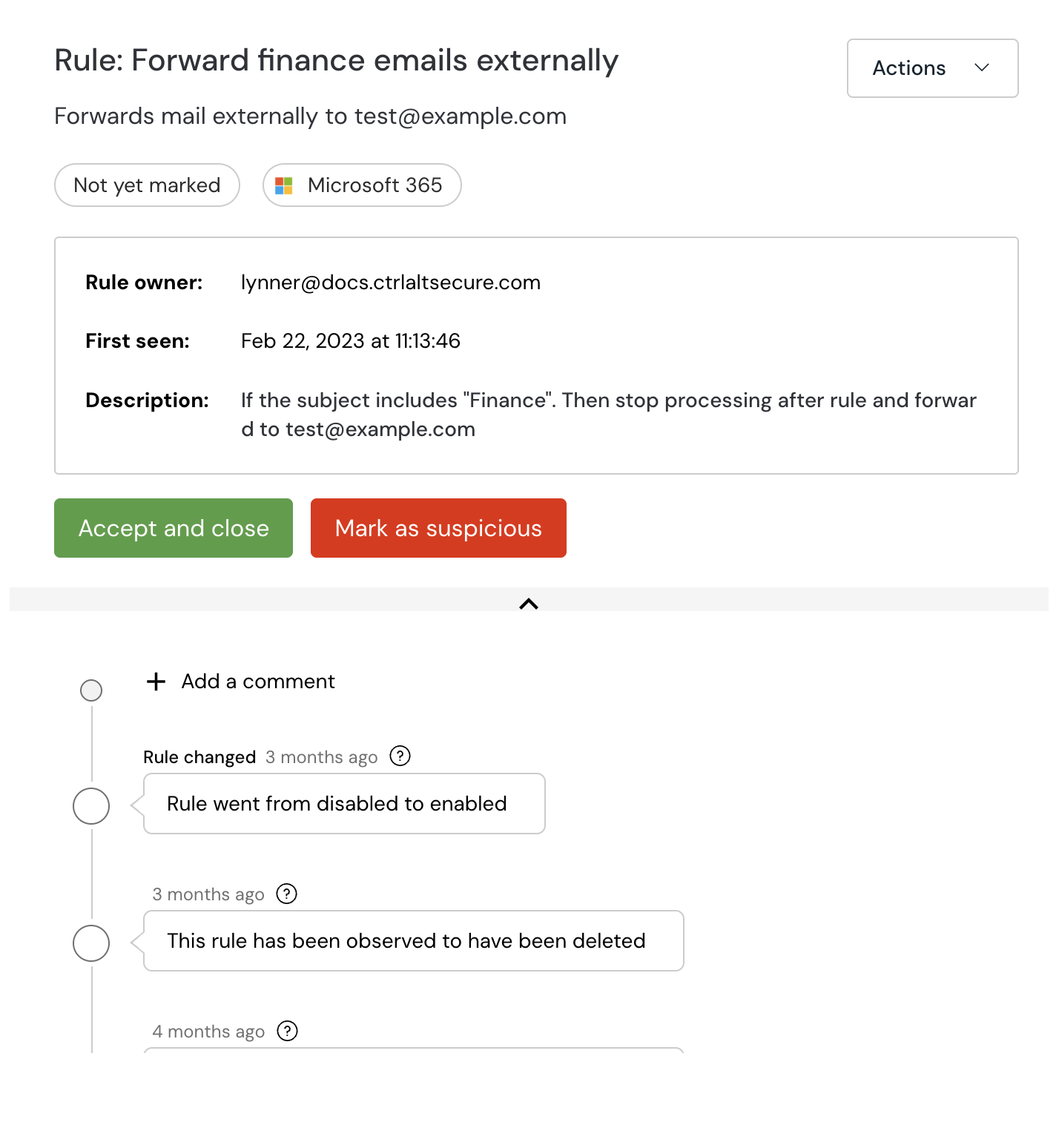
You can triage suspicious mail rules from the admin console by going to Inventory > Mail rules.
Related articles: